Sarah T.
Verified reviewerSoftware engineer candidate
CueOffer helped me keep my examples structured instead of rambling. The biggest difference was how quickly I could turn a question into a clean answer outline.
CueOffer
Interview support for global job seekers
Resume-aware guidance, screenshot analysis, and structured talking points when you need them most.
CueOffer helps candidates stay composed across recruiter screens, technical rounds, case interviews, and written assessments.
Desktop workflow for live interview moments, with web access for a faster start.
Capture the prompt, detect intent, and surface a usable answer structure in seconds.
Add your role, resume, and company notes so the guidance feels more relevant to the interview.
Move from live interview support to screenshot-based problem solving without changing tools.
Product walkthrough
Designed for candidates who want support that feels practical, fast, and easy to scan in the middle of a conversation.
Live + visual
Support for audio prompts and screenshot-based questions
Role-aware
Guidance shaped by your resume, target role, and interview context
A simple flow that works before the interview starts and keeps helping once the conversation is live.
Sign in, launch the assistant, and choose the workflow that matches your interview format.
Select your role and optionally include your resume, company notes, or a job description.
CueOffer listens, analyzes, and suggests concise answer structures while you keep the conversation moving.
Use the same workflow for recruiter screens, technical interviews, case rounds, and screen-based assessments.
CueOffer listens to the question, identifies the intent, and returns a concise answer structure you can work from.
Hiring Manager
Listening and organizing context
Capture technical exercises, case prompts, charts, or image-based questions and turn them into structured guidance.
Useful for coding screens, case exercises, and timed tasks
Capture algorithms, SQL questions, or frontend challenges and get a structured approach before you start talking.
Use screenshots to organize market sizing, strategy, operations, or finance prompts into a cleaner framework.
Surface the main insight, supporting observations, and a sharper recommendation when the prompt is visual.
Helpful when the interview relies on shared screens, whiteboards, or visual prompts
Capture the prompt and turn it into a usable outline for trade-offs, architecture, or implementation steps.
Organize product, growth, operations, and strategy prompts into a clear problem-solving framework.
When the prompt is unfamiliar, CueOffer can help you slow down, identify the objective, and choose a sensible answer path.
Grab the full prompt when you need context quickly.
Target only the part of the screen that matters and keep the analysis focused.
Combine several screenshots when the task spans multiple screens or documents.
Use a more deliberate reasoning flow when the prompt has multiple moving parts.
Structured reasoning / broader context / cleaner output
When the prompt is layered or spread across screenshots, CueOffer can spend more time organizing the problem and preparing a sharper draft.
Break a difficult prompt into smaller parts so it is easier to explain clearly.
Helpful when the answer depends on prioritization, uncertainty, or competing constraints.
Turn messy observations into a more readable recommendation or answer structure.
Best used when the prompt spans multiple screenshots or requires deeper trade-offs.
A polished workflow matters when every round feels a little different.
Seen in interview loops with
Common use case
Software & data
Common use case
Product & operations
Common use case
Consulting & finance
Common use case
Early career
Software engineer candidate
CueOffer helped me keep my examples structured instead of rambling. The biggest difference was how quickly I could turn a question into a clean answer outline.
Data analyst candidate
I used it during a stretch of back-to-back interviews. The workflow felt calm and lightweight, especially when I needed a fast way to frame analytical answers.
Product manager candidate
What stood out was the ability to keep the answer concise. Instead of reading a wall of text, I got talking points I could actually use in the moment.
Frontend developer candidate
The screenshot workflow was surprisingly useful for technical prompts and take-home style questions. It gave me a better starting point when I needed to think out loud.
Operations candidate
I liked that CueOffer adapted well when the conversation jumped between behavioral questions and role-specific scenarios. It felt practical instead of flashy.
Platform engineer candidate
It was most helpful in high-pressure rounds where I needed structure fast. The guidance gave me enough shape to answer clearly without sounding scripted.
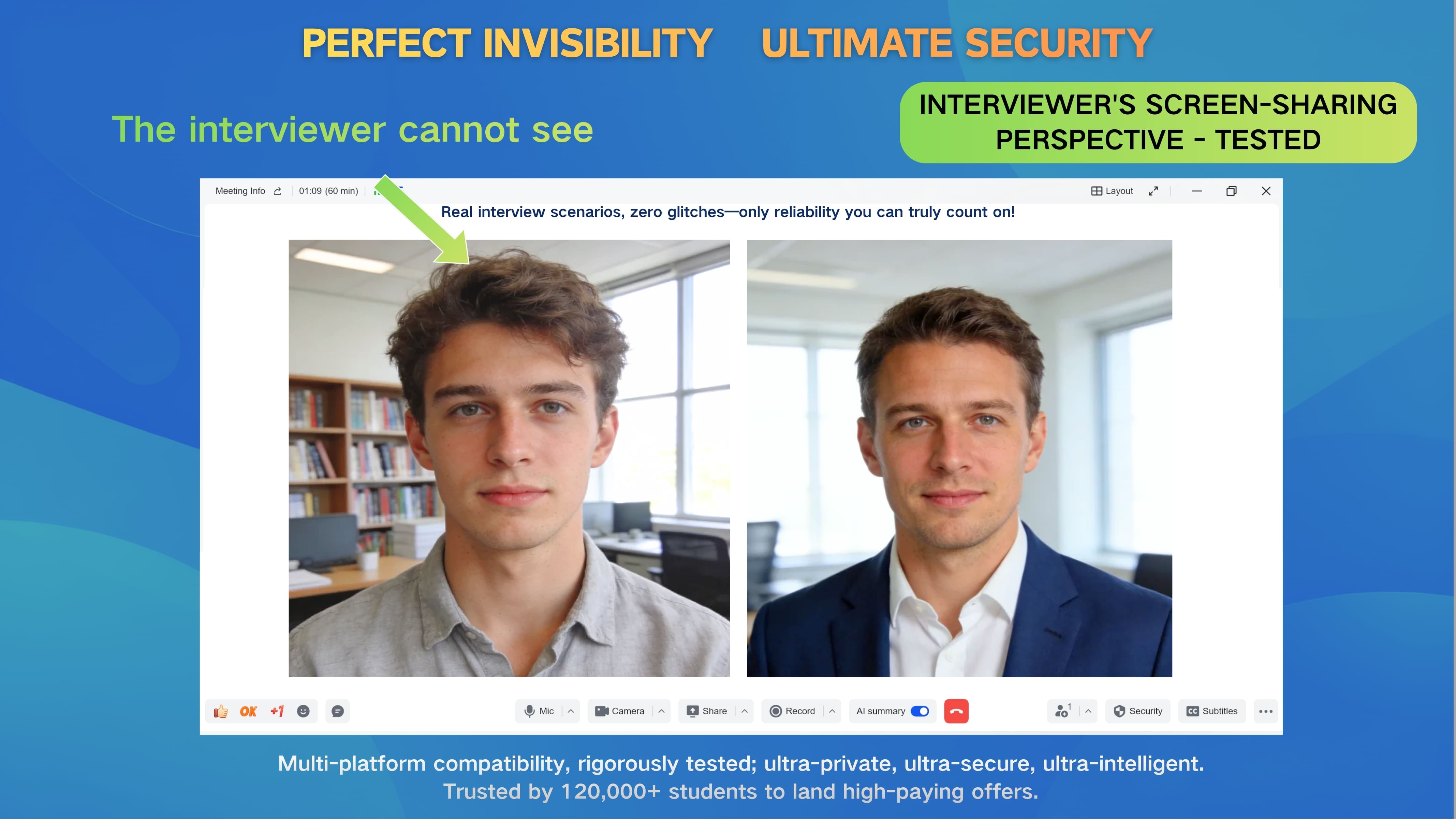
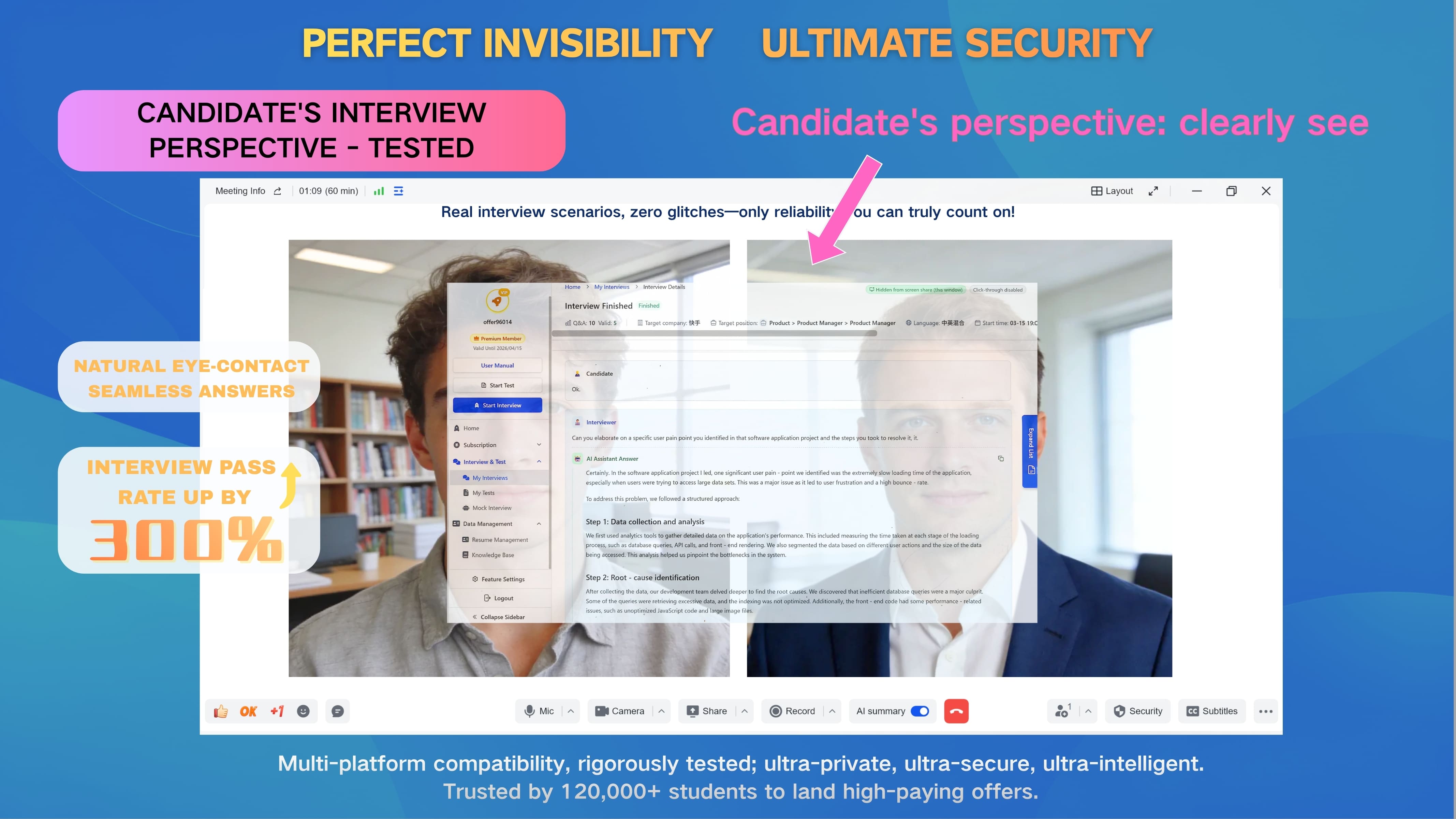
CueOffer is designed to keep the support layer out of the shared view so you can stay focused on the conversation.


Drag to compare the two views
Keep your interview screen readable and avoid clutter when the meeting format changes quickly.
The layout is designed to stay predictable when you move between meeting tools and support modes.
Toggle between views without interrupting the pace of the interview.
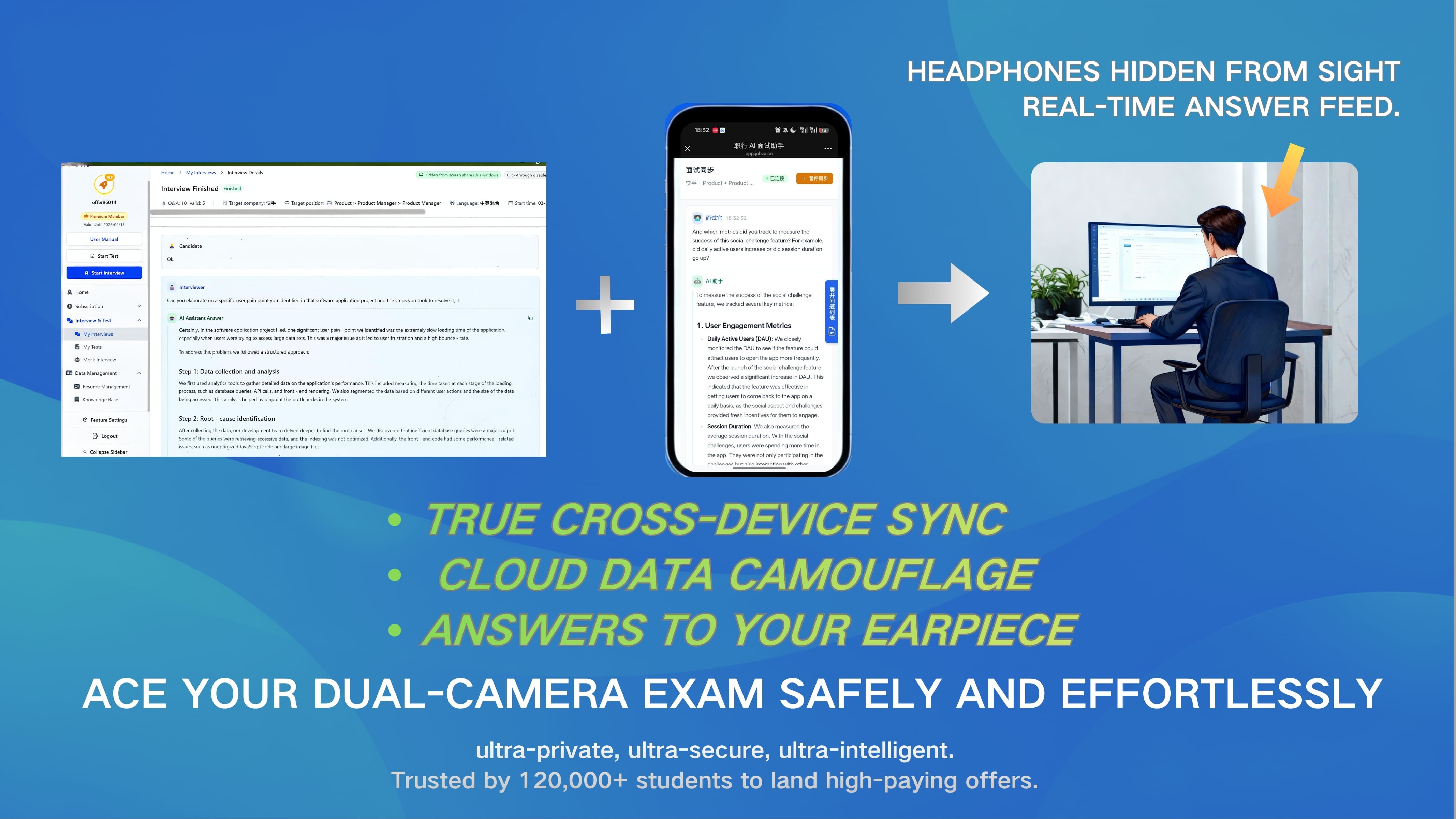
Keep the live meeting on one device while notes, playback, and synced context stay on another.
Useful for remote interviews, case rounds, and screen-based assessments when you want your main workspace to stay focused.

Send short answer cues or note summaries to your phone when listening is faster than reading.
Keep the interview on your laptop while your phone stays ready with notes, context, and live session updates.
Switch between glanceable notes and spoken playback when the pace of the conversation leaves little time to scan.
Compare a few structured response paths and choose the version that matches your tone, role, or interview format.
Some interview formats leave very little room for context switching. A second device can lower cognitive load and keep your primary workspace uncluttered.
CueOffer works across live interview rooms, browser-based assessments, coding tests, and recruiter-run hiring portals without forcing a new setup.
Universal platform coverage
Whether the round happens in Zoom, a browser-based coding test, or a scheduling-heavy hiring flow, CueOffer fits around the platform instead of asking candidates to change tools.
Live interview
Video meeting rooms for recruiter screens, panel rounds, case interviews, and virtual onsites.
Zoom
Microsoft Teams
Google Meet
Written test
Common environments for online assessments, coding challenges, technical screens, and timed written tests.
HackerRank
CodeSignal
HackerEarth
Hiring ops
Hiring portals and scheduling tools that sit around interviews, next steps, recruiter coordination, and candidate communication.
Greenhouse
Indeed
Calendly
These logos are examples. CueOffer is designed to stay compatible with many other interview, written-test, proctored-exam, and hiring-platform setups as well.

Interview loops rarely happen inside one vendor. Candidates often jump between meeting apps, online tests, recruiter portals, and take-home workflows, so support needs to stay useful no matter which platform shows up next.
A career-focused stack built to capture prompts quickly and return structured guidance.
Turn spoken questions into text you can work with quickly.
Help identify what the interviewer is actually looking for, not just the literal wording.
Return concise answer frameworks instead of long-form filler.
CueOffer combines speech recognition, contextual understanding, and structured output generation to help candidates respond with more clarity.
Context-aware
Context recall
1-3s
Draft speed
Role-based
Intent detection
Live + visual
Role coverage
For visual questions, the same workflow supports screenshots and multi-step problem solving.
Shorter drafts
Faster answer structure
Clearer prompts
Intent clarity
Role templates
Role templates
2026
Latest update
A more practical workflow than generic interview helpers.
Straight answers on setup, compatibility, and how candidates use CueOffer.
CueOffer is designed for live interviews, case prompts, technical screens, and screenshot-based assessments. Candidates often use it across software, product, data, operations, consulting, and generalist roles.
Use the web app for a quick start, or install the desktop app for live interview features and screenshot-based support.
Desktop support is available for candidates who want the full live interview workflow.